


How to Calculate Server Rack Power Consumption
Posted by RackLink on Jul 16, 2026
How to Calculate Server Rack Power Consumption
Calculating server rack power consumption is a critical step for ensuring electrical safety, uninterrupted operation, and compliance with Australian standards.
This guide provides an in-depth walkthrough of how to calculate the total power consumption of a server rack, and the acceptable power limits for each type of circuit.
Calculation Formula for Power Consumption
To calculate the total power consumption of a server rack, add up the individual power draw for each connected device within the rack.
Power consumption is measured in Watts (W). The basic formula for calculating Watts is:
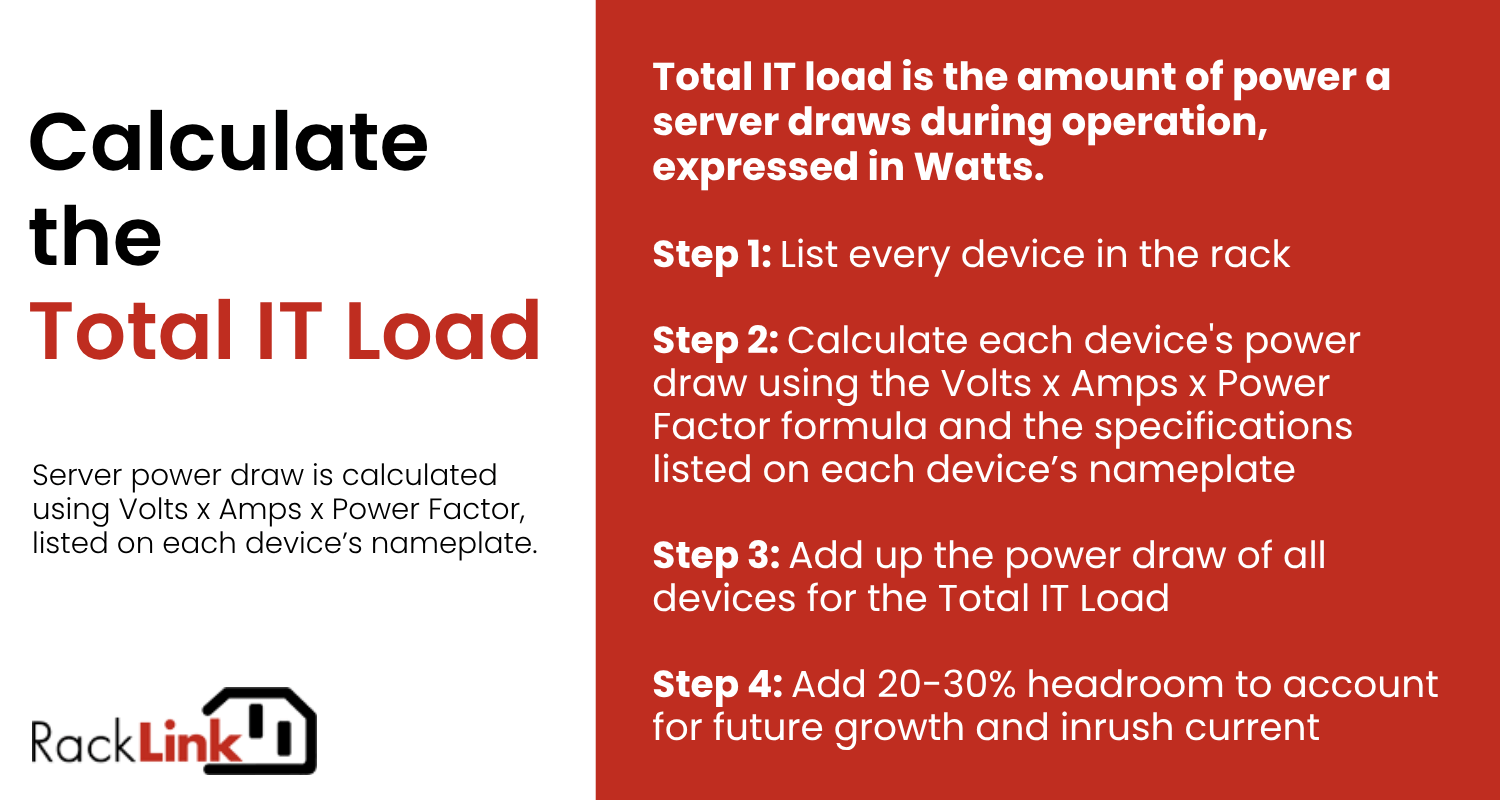
Watts = Volts x Amps x Power Factor
Each of these factors will be listed on the device nameplate or power supply label. A device rated "10A @ 230V" with a power factor of 0.97 will have a power draw of 2,231 W. It is worth mentioning that the numbers on a nameplate are a worst-case maximum draw, and that the real draw amount is likely lower.
Identify Power Draw Per Device
List every device in the rack and use the formula above to obtain each device’s power draw.
The sum of each device’s power draw will result in the server rack’s Total IT Load - this is how much power the rack will typically consume. However, the Total IT Load is not the final value used when designing for electrical safety.
Headroom is the term for the extra capacity allowance that is added to the Total IT Load to cover future growth, backup power supplies kicking in, and the inrush current when equipment powers on. Headroom is typically 20-30% on top of the Total IT Load.
If your facility is running more than one server rack, you will also need to account for power consumption from cooling and backup power. This additional draw is captured by Power Usage Effectiveness (PUE) - a ratio that measures how efficiently a facility delivers power to its IT equipment.
PUE = Total Facility Power ÷ IT Equipment Power
Multiplying the Total IT Load + headroom by the Power Usage Effectiveness (PUE) of your facility will provide the total power consumption of the entire facility.
Sample server rack calculation
|
Device |
Quantity |
Per-Device Power Draw |
Total Power Draw |
|
1U dual-CPU servers |
20 |
300 W |
6,000 W |
|
2U storage/NAS units |
2 |
700 W |
1,400 W |
|
Blade chassis |
1 |
3,000 W |
3,000 W |
|
Top of rack switches |
2 |
200 W |
400 W |
|
Total IT Load |
10,800 W |
||
|
+ 20% headroom |
12,960 W |
||
Server Rack Circuit Limits
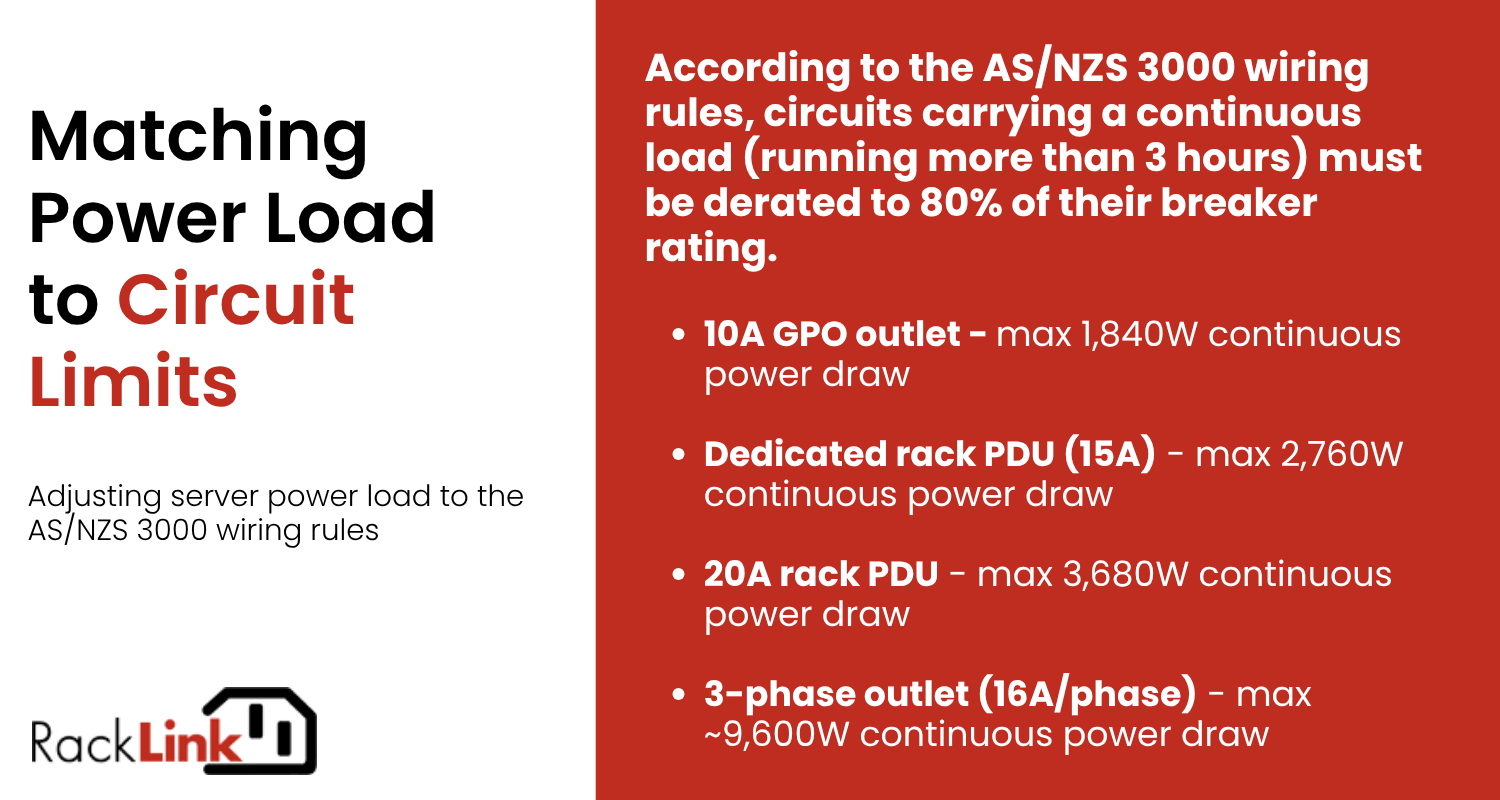
Australia’s power systems operate on 230V single-phase / 400V three-phase, 50Hz, under AS 60038. As per the AS/NZS 3000 wiring rules, circuits carrying a continuous load (running more than 3 hours) must be derated to 80% of their breaker rating.
Here are the circuit limits according to the AS/NZS 3000 wiring rules.
|
Circuit type |
Voltage |
Typical breaker |
Max continuous load (80% rule) |
|
Standard single-phase (GPO) |
230V |
10A |
1,840 W |
|
Dedicated single-phase (rack PDU) |
230V |
15A |
2,760 W |
|
Dedicated single-phase (rack PDU) |
230V |
20A |
3,680 W |
|
Three-phase (small comms room) |
400V (230V/phase) |
16A/phase |
~9,600 W (3 phases combined, ~3,200W/phase) |
|
Three-phase (data centre PDU) |
400V |
32A/phase |
~19,200 W combined |
In practice, most small server rooms use standard 10A or 15A wall-style sockets. Once a rack needs to draw more than 2.5–3kW, it usually requires a dedicated circuit, and proper data centres and colocation racks use three-phase PDUs as standard.
Facilities should also consider having a redundant power supply in place to mitigate the impact of power shortages and fluctuations that can cause disruptions in service operation. A redundant power supply ensures that if one power supply, circuit, or UPS fails, the rack continues to operate without interruption.
Use A Smart PDU
Smart PDUs like an enLogic Intelligent PDU provide real-time monitoring of power usage for each connected device. This is by far the most reliable method of tracking power consumption in the server rack, and removes the need to individually calculate power draw for each device (as well as potential calculation errors).
An enLogic Intelligent PDU can also be set up with custom alerts in the event of sudden changes in power usage that may signal a potential overload.