

What Is a Docking Station & How Does It Work?
Posted by RackLink on Apr 13, 2026
What Is a Docking Station & How Does It Work?
Effective power and cable management is vital for offices, and technology operations that include large scale server farms, and data centres. Messy and disorganised wiring makes maintenance and troubleshooting more difficult, leading to inefficiencies and potential safety hazards.
A docking station is a solution that simplifies cable and power management by acting as a single point of connection for multiple devices.
What Is A Docking Station?
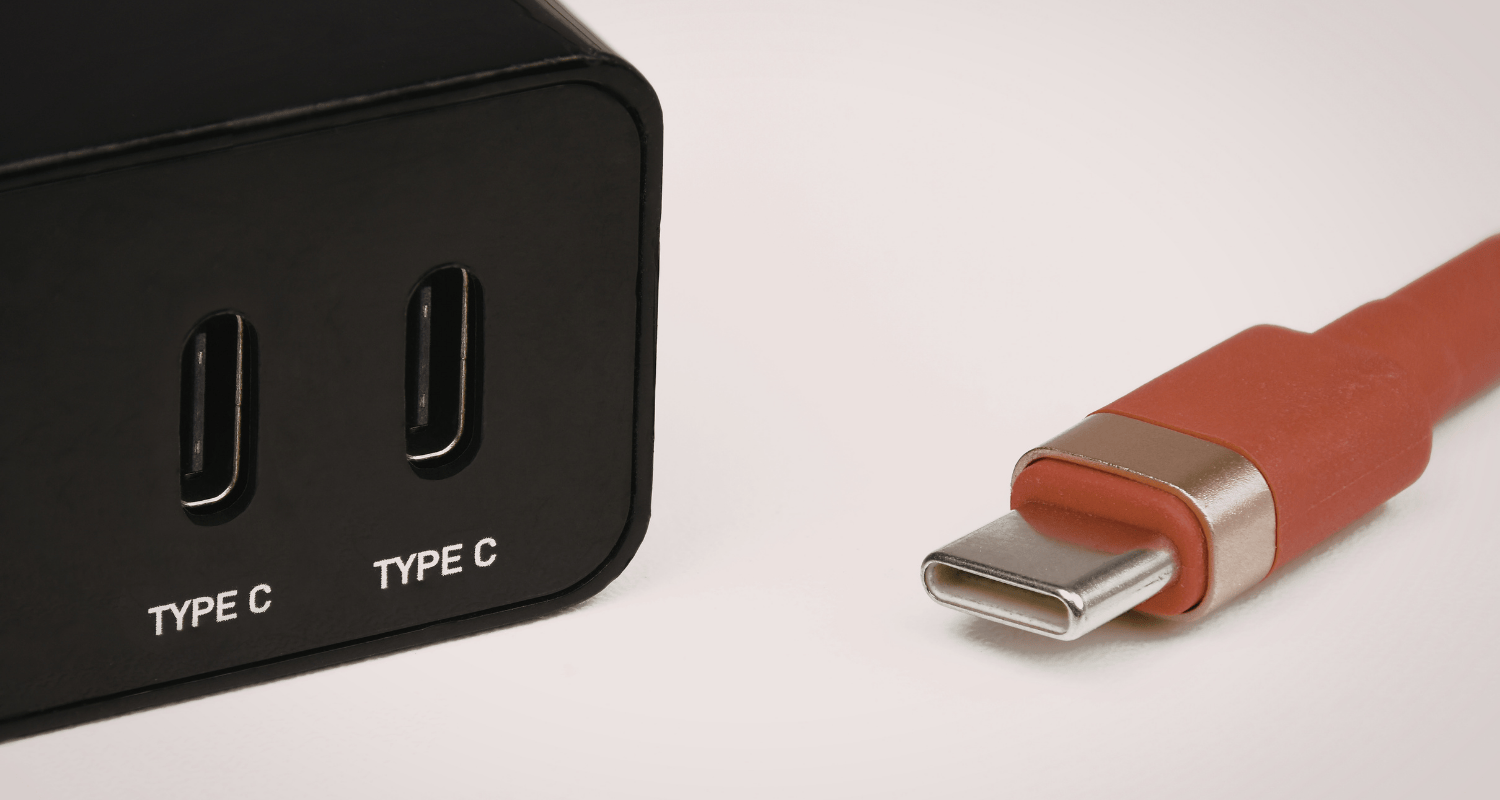
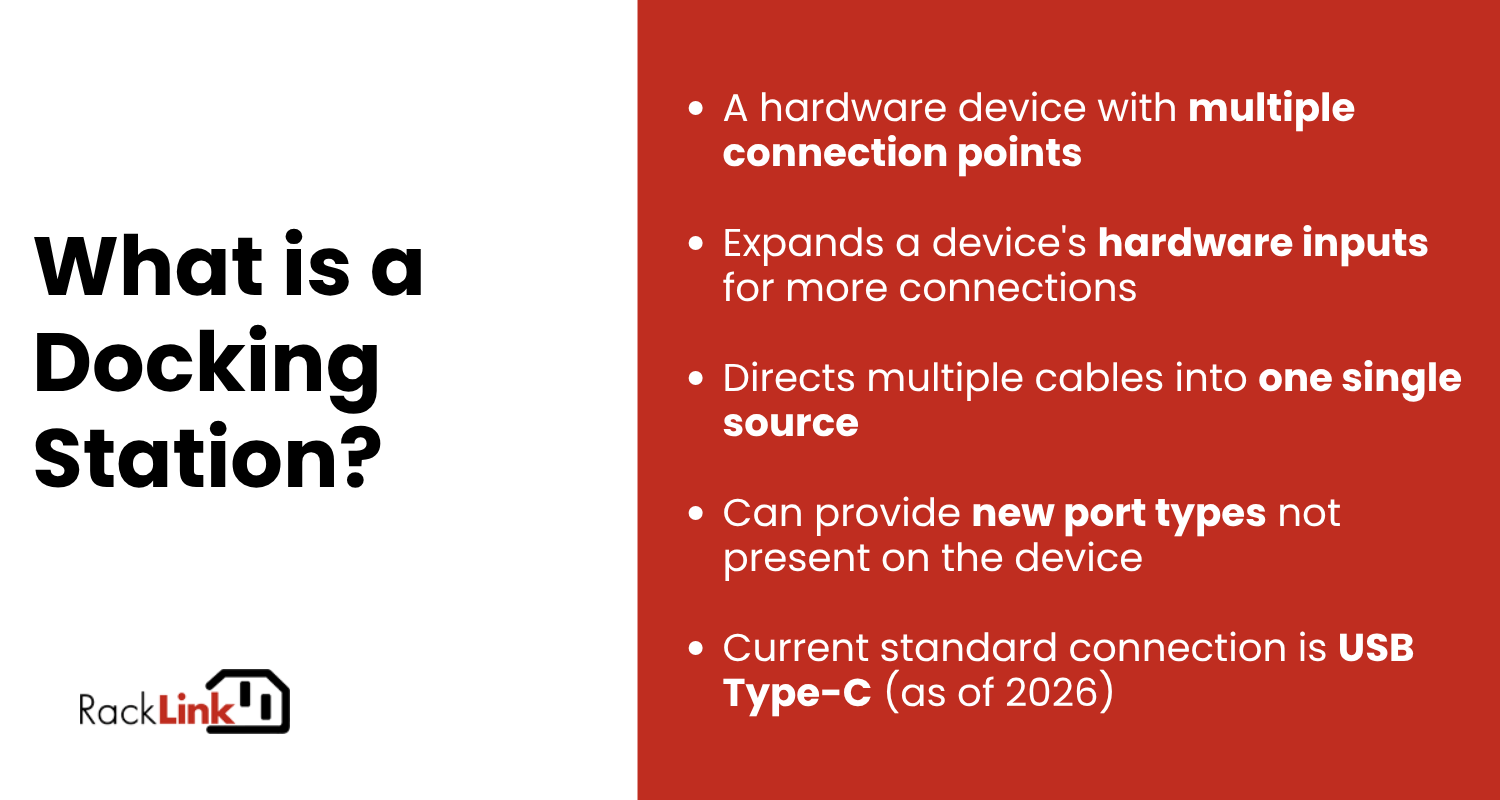
Also referred to as a port replicator, a docking station is a hardware device with multiple connection points such as HDMI, ethernet, power supply, and USB ports.
Most devices like laptops have insufficient ports to connect to monitors, peripherals, and external drives. A docking station essentially expands the device's hardware inputs for more connections, while also directing cables into one source.
Docking stations can also provide new port types that are not present on devices. For example, an older laptop model may only have an HDMI port, which is incompatible with newer monitors equipped with a DisplayPort (DP) connector. Using a docking station with a DP connection resolves this issue.
How Does A Docking Station Work?
A docking station houses all of the required connection ports for a device. The internal components of the docking station are powered externally, usually from the device it is supporting. Advanced models of docking stations may have an in-built power supply to minimise dependence on the supported device.
When cables or other devices are plugged into the docking station, the controller chips inside detect the new connection and send the required amount of power for operation. The docking station also enables data transfer between connected devices.
Docking Station Compatibility
Docking stations vary in compatibility for devices - it is always recommended to check if the docking station has a matching power rating with the intended device. Some docking station models will require special adapters or cables for compatibility, especially between different manufacturer brands.
As of 2026, the current standard for docking stations is the USB Type-C connection.
What Are the Advantages of Using a Docking Station?
Reduce Cable Clutter
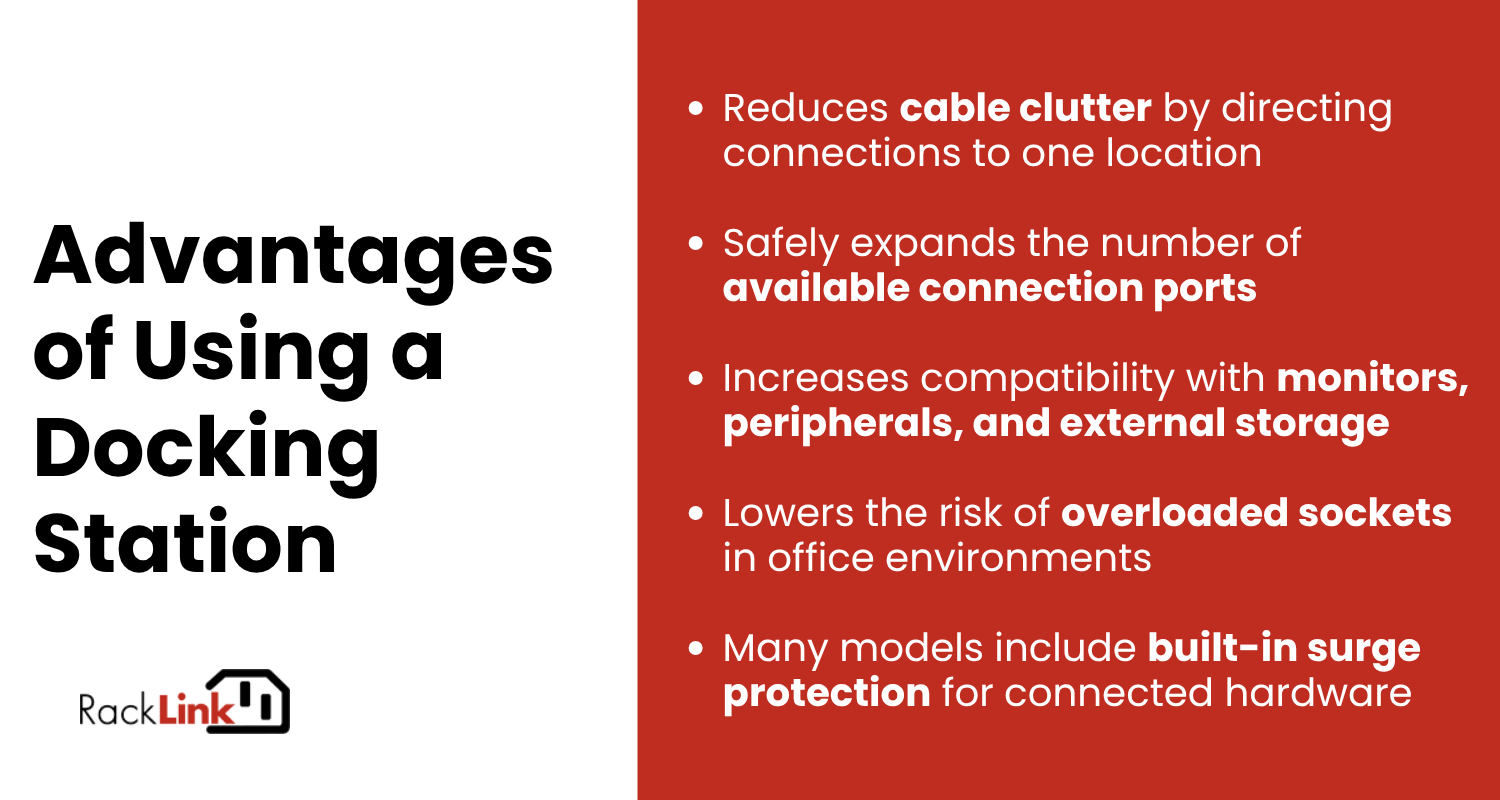
Using a docking station directs multiple cables to one location, reducing cable clutter on the desk or along the floor. Docking stations also make it easier to keep track of connections for maintenance purposes.
Additional Connection Ports
Devices with limited ports can cause a bottleneck in work processes. A docking station safely expands the number of connections available for devices, increasing operational capability and compatibility with monitors, wired peripherals, and external storage.
As hardware requirements change in future, users and businesses only need to update the docking station rather than purchase entirely new device models.
Electrical Safety
Consolidating connections through a docking station reduces the number of independent power adapters and cables active at any one time, which directly lowers the risk of overloaded sockets - a common issue in dense office environments.
Many commercial-grade docking stations also include built-in surge protection, providing a layer of defence for connected hardware against voltage irregularities. For workplaces subject to health and safety compliance requirements, a managed and consolidated power setup is significantly easier to audit and maintain than a distributed one.
Docking stations can be combined with custom cabling solutions to resolve a host of connectivity issues in commercial settings. At RackLink, we can create custom power cables for GPO and IEC connections to ensure secure connections across workplace setups.